RAM Latency Calculator - Compare DDR3, DDR4 & DDR5 Memory
A higher MHz number on the box does not always mean faster memory. What really counts is how quickly your RAM responds, and that is measured in nanoseconds, not megahertz. Enter the speed and timings of any DDR3, DDR4, or DDR5 kit above and this RAM latency calculator converts them into real First Word Latency, giving you one clear figure to compare kits honestly and match the right memory to your system.
Enter your CAS Latency (CL) and memory speed (MT/s, the number in "DDR5-6000") to see true latency in nanoseconds.
DDR5 latency table
Cells run from green (lower latency) to red (higher latency). Lower is better.
DDR4 latency table
Cells run from green (lower latency) to red (higher latency). Lower is better.
DDR3 latency table
Cells run from green (lower latency) to red (higher latency). Lower is better.
What Is RAM Latency and Why Does It Matter?
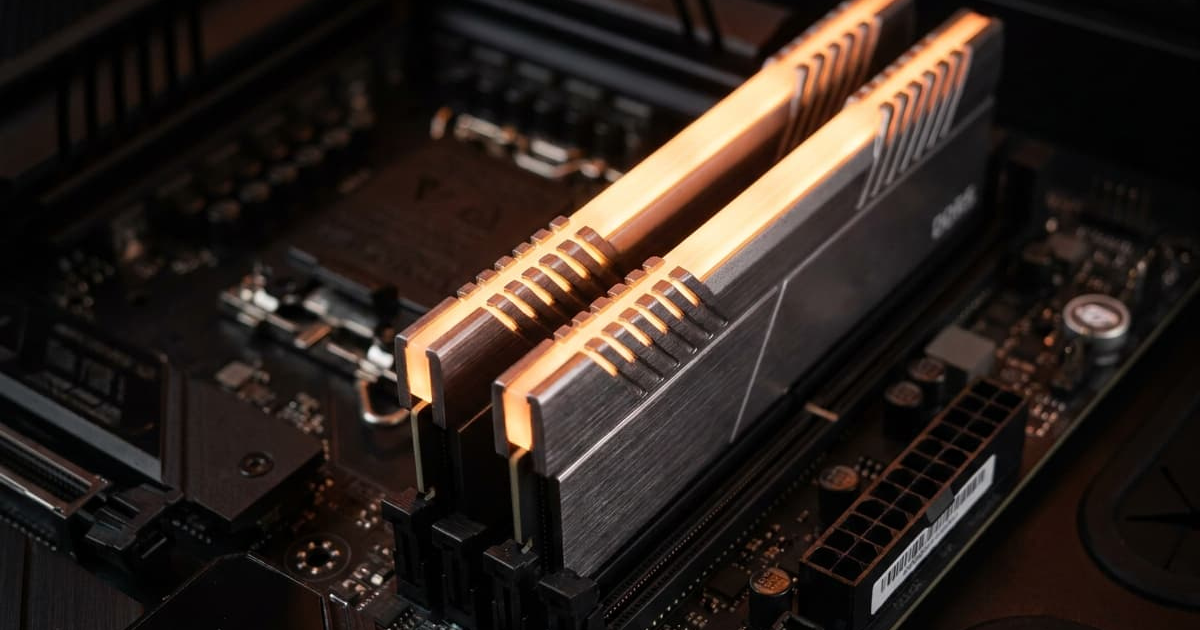
RAM latency is the short delay between your CPU requesting data and your memory delivering it, measured in nanoseconds. It depends on both frequency and CAS timings, which is why two kits with very different MHz can perform almost identically. A lower figure means your memory answers the processor faster, keeping demanding tasks responsive. Because the box rarely shows this real number, the calculator above works it out for you, so you are comparing genuine speed instead of marketing figures.
How Does RAM Latency Affect Your PC?
Lower latency has the biggest impact in memory-heavy work such as high-refresh gaming, physics-heavy simulations, and heavy multitasking, where it can lift your minimum FPS and keep everything feeling smooth. In everyday browsing or office tasks the difference is smaller, so there is no need to overspend. If your frame rates still feel off after tuning memory, pair this with a cpu gpu bottleneck calculator to check whether your processor or graphics card, not your RAM, is the true limit.
Understanding Frequency, Timings & Compatibility
First Word Latency is worked out from your data rate and CAS latency, which is why raw MHz alone can be misleading. A DDR5-6000 CL30 kit lands near 10 nanoseconds, while an older DDR4-3200 CL16 kit sits close to the same figure, even though the DDR5 number looks far higher on the box. Higher frequency lifts bandwidth, while tighter timings cut delay, so the best memory balances the two rather than chasing one spec. Profiles like XMP and EXPO apply rated speeds safely, but your CPU and motherboard still set the real ceiling, and not every board reaches every speed. Capacity plays its part too: once you have enough for your workload, frequency and timings become the deciding factors. If you are not sure how much memory you actually need before fine-tuning latency, our ram size calculator helps you settle on the right amount first, then this tool helps you tune it.