
What Games Can My PC Run? – Game Compatibility Test

Not sure which of today’s games your PC can actually handle? This game compatibility checker turns your processor, graphics card, memory, and resolution into a ranked library of titles you can play — each with the graphics settings and the frame-rate range to expect. It’s built for the “will it run, and will it run well?” question across a whole catalogue of games, not just a single title, so you know what to expect before you spend time downloading.

Pick your processor and graphics card, choose your installed RAM and target frame rate, then see which games your PC can run.

Will it run, and will it run well, are different questions

Meeting a game's minimum requirements only means it will launch. It says nothing about whether the game stays smooth once a firefight or a busy open world zone fills the screen. A graphics card that averages 60 FPS but dips hard in demanding scenes feels worse than one holding a steady 50, which is why this tool separates basic playability, your target frame rate, and the likely CPU or GPU limit instead of showing a plain pass or fail. Want to zoom in on one specific title rather than a whole library? Run it through our fps calculator for an estimate on that single game.
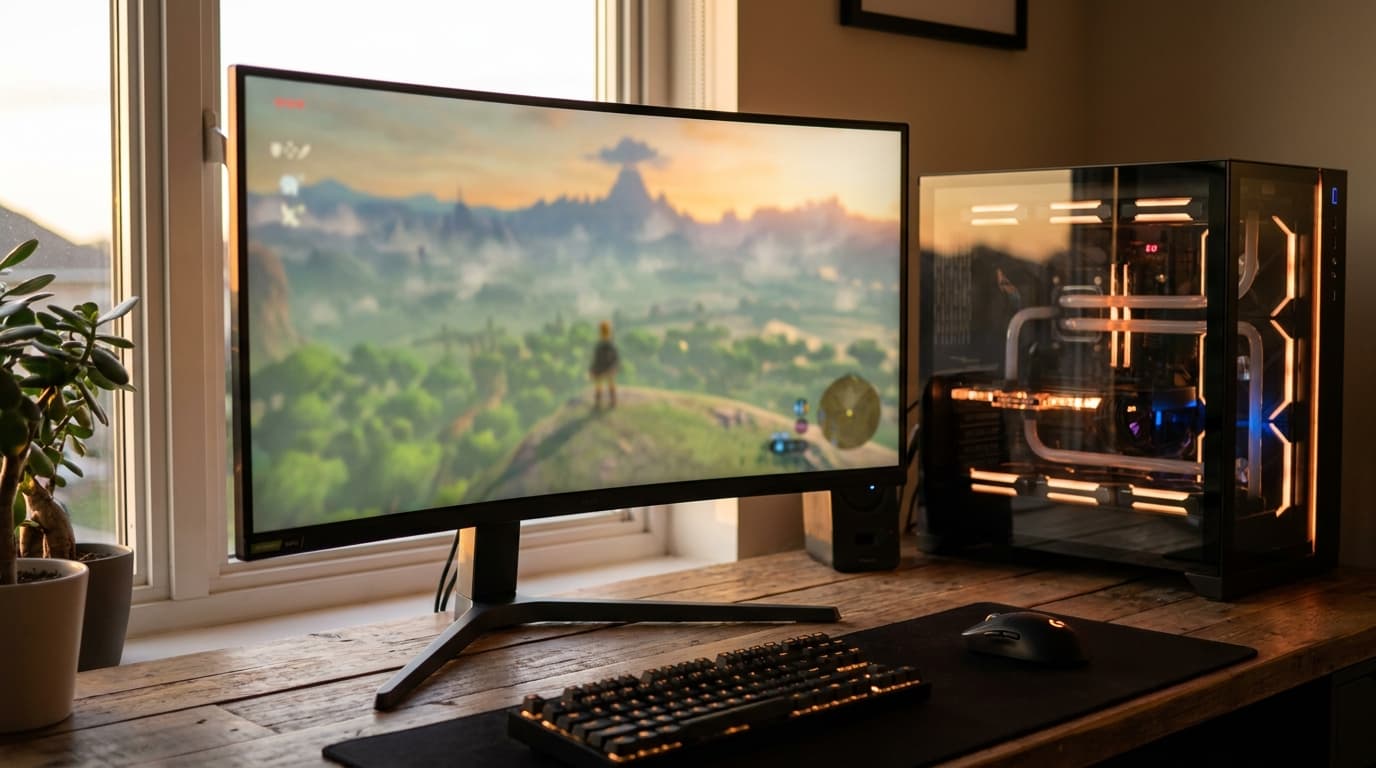
Gaming PC and monitor running an open-world game on a wooden desk
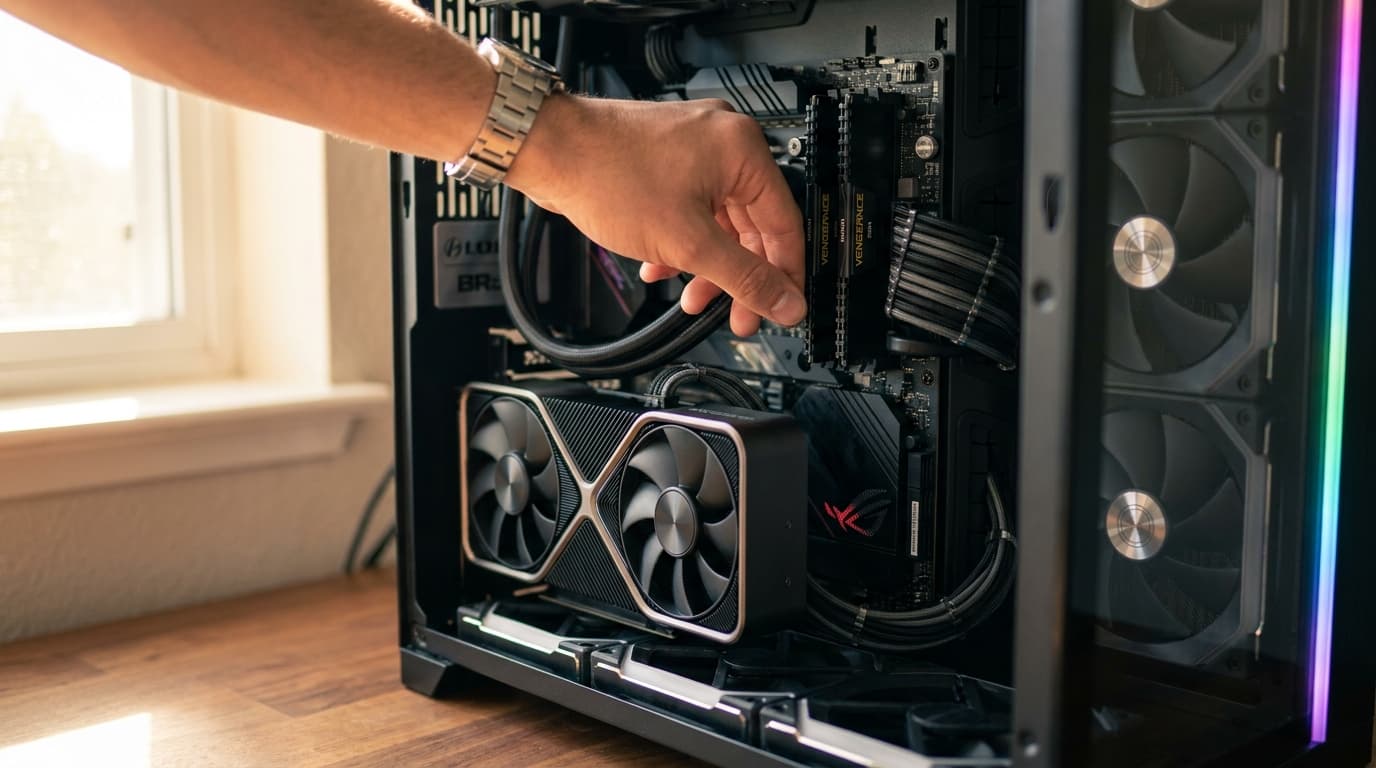
Installing RAM in a gaming PC with the graphics card visible

What actually decides whether a game is playable

Three parts have to keep up together: your processor preparing frames quickly enough, your graphics card rendering the resolution and effects you've chosen, and enough free memory to avoid disruptive storage swapping. Resolution is the biggest lever, moving from 1080p to 1440p or 4K sharply increases the pixels your card must draw, so a game that's smooth at one resolution can need lower settings at another. Memory trips up more builds than people expect: 8 GB is tight for modern titles and 16 GB is the comfortable baseline. Not sure you have enough? Our ram size calculator settles it.

How popular games perform on different PCs

Games don't demand hardware equally, so what your PC can run always depends on the title. Competitive esports games like Valorant, CS2, Fortnite and Rocket League are light and lean on the CPU, so even a modest card like an RTX 3050 or RX 6600 pushes well past 144 FPS at 1080p. Big AAA open worlds like Cyberpunk 2077, Red Dead Redemption 2 and Hogwarts Legacy are graphics card hungry: an RTX 4060 or RX 7600 with 8 GB handles 1080p High comfortably, but 4K or ray tracing pushes you toward RTX 4080 or 5080 class cards, and 8 GB of VRAM is the floor to avoid texture stutter. Simulation and CPU heavy titles like Microsoft Flight Simulator, Baldur's Gate 3 and Cities Skylines II lean on your processor and reward 16 GB or more of RAM. If one component is clearly holding a game back, our bottleneck calculator shows you which.

Frequently Asked Questions: What Games Can My PC Run

What games can my PC run?

Enter your CPU, GPU, RAM and resolution, and the checker returns a ranked list of games your PC can play, each with the graphics preset and frame rate range to expect at your resolution. It focuses on realistic, smooth performance, not just whether a title will launch.

Can I run a demanding game like Cyberpunk 2077?

Often yes, at the right settings. A mid range card such as an RTX 4060 or RX 7600 runs Cyberpunk 2077 well at 1080p High. Turning on ray tracing or moving to 4K raises the bar significantly toward high end GPUs, so the checker shows the preset you can realistically reach rather than a plain yes or no.

How much RAM do I need to run modern games?

16 GB is the comfortable baseline today. 8 GB will launch most games but can cause stutter in demanding, memory hungry titles. A few large open world and simulation games benefit from 32 GB. If you are unsure where you stand, size it up with our RAM Size Calculator.

Will my games run better at a lower resolution?

Yes. Dropping from 1440p or 4K to 1080p sharply reduces the pixels your graphics card renders, which raises frame rates, often the quickest way to make a borderline game playable without buying new hardware.

Is my CPU or GPU more important for running games?

It depends on the game and resolution. Esports titles lean on the CPU, while most AAA games at higher resolutions lean on the GPU. Our CPU and GPU combo guide for gaming explains how to balance the two.

What should I upgrade if my PC can't run a game smoothly?

First lower the resolution or the heaviest settings and set a realistic FPS target. If it is still short, the graphics card is usually the biggest gain for gaming, see our picks for the best graphics cards to match one to your budget and CPU.