ATX 3.0 vs. ATX 3.1: What’s Changed and Should You Upgrade?
Modern PCs demand more from their power supplies than ever before. High-performance CPUs and GPUs can generate rapid spikes in power consumption that older power supply standards weren't designed to handle. While most PC builders focus on choosing the right processor or graphics card, the power supply unit (PSU) often receives far less attention, even though it's one of the most critical components for system stability.
Intel introduced the ATX 3.0 power supply standard to address these sudden power demands and support the latest generation of graphics cards. Shortly afterward, ATX 3.1 refined the design further by improving the safety and reliability of the new PCIe power connector.
If you're building a gaming PC, content creation workstation, or AI development system, understanding the differences between ATX 3.0 and ATX 3.1 can help you choose a PSU that delivers stable power today while remaining ready for future hardware.
Before selecting a power supply, it's also a good idea to estimate your system's power requirements using a PSU calculator to ensure you have enough capacity and proper headroom.
The main difference between ATX 3.0 and ATX 3.1 is the GPU power connector. ATX 3.0 uses the 12VHPWR connector, while ATX 3.1 replaces it with the safer 12V-2×6 design and refines power-delivery requirements. Both support up to 600W over PCIe 5.0 and handle modern GPU power spikes, so ATX 3.1 is a refinement of ATX 3.0, not a completely different technology.
Why Intel Introduced ATX 3.0
For many years, desktop power supplies followed the ATX 2.x specification. These power supplies worked well because hardware consumed power relatively consistently. A graphics card rated at 250W generally stayed close to that level, with only minor fluctuations during normal workloads.
Modern GPUs behave very differently. Today's graphics cards constantly adjust clock speeds and voltages to maximize performance. During demanding workloads such as gaming, 3D rendering, AI processing, or video editing, they can draw large bursts of power that last only a fraction of a second.
These short bursts are known as transient power spikes or power excursions. Although they typically last only microseconds, they can momentarily double a graphics card's normal power consumption. For example, a GPU with a 450W power rating may briefly request nearly 900W before quickly returning to normal operating levels.
Older ATX 2.x power supplies often interpreted these sudden spikes as electrical faults. As a result, their built-in protection circuits could shut down the system instantly, causing unexpected restarts or black screens even when the PSU's rated wattage appeared sufficient. This growing mismatch between modern hardware and older PSU designs led Intel to introduce the ATX 3.0 specification.
What Are Transient Power Spikes?
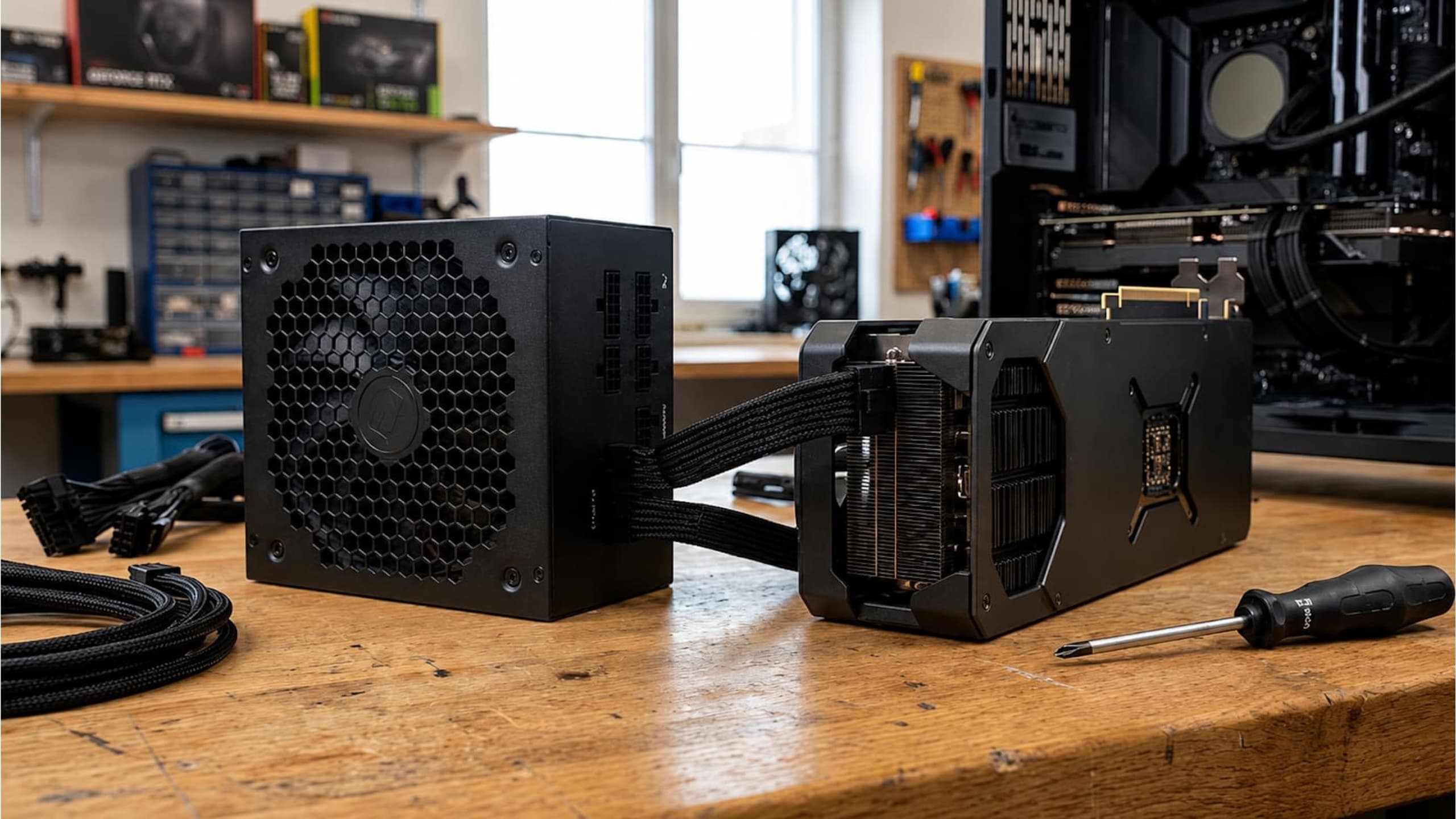
A transient power spike is a brief increase in power demand that occurs when hardware rapidly switches from a light workload to a heavy one. Common situations that trigger these spikes include:
- Launching a game
- Loading complex 3D scenes
- Compiling shaders
- Running AI or machine learning workloads
- Exporting high-resolution video
- Stress-testing a graphics card
Although these spikes are extremely short, the power supply must respond instantly. If it cannot provide the required current, the system may experience:
- Random shutdowns
- Black screens
- Driver crashes
- System instability
- Unexpected restarts
In severe cases, repeated electrical stress can shorten the lifespan of system components.
How ATX 3.0 Solved the Problem
ATX 3.0 was designed specifically to support the changing power requirements of modern graphics cards. The most significant improvement is its ability to tolerate large transient power spikes without triggering the PSU's protection mechanisms.
Under the ATX 3.0 specification, a certified power supply must be capable of handling power excursions of up to 200% of its rated output for 100 microseconds. For example, an 850W ATX 3.0 PSU must safely handle power spikes approaching 1700W for a very short period without shutting down.
This doesn't mean the power supply continuously delivers 1700 watts. Instead, it ensures the PSU can absorb extremely brief spikes while maintaining stable operation. As modern GPUs continue to increase in power consumption, this capability has become essential for system reliability.
The New 12VHPWR Connector
ATX 3.0 also introduced a completely new graphics card power connector called 12VHPWR. Instead of requiring three or four separate 8-pin PCIe cables, the new connector delivers up to 600W through a single cable, making cable management cleaner and simplifying high-end PC builds.
The connector consists of:
- 12 main power contacts
- 4 smaller sense pins
The sense pins allow the graphics card and power supply to communicate with each other. This communication tells the GPU how much power the PSU can safely provide, helping the graphics card operate within safe electrical limits. While the design significantly simplified cable management, it also introduced a problem that became widely known shortly after the release of next-generation graphics cards.
ATX 3.1: The Next Evolution of PSU Standards
While ATX 3.0 solved many power delivery challenges for modern GPUs, Intel introduced ATX 3.1 as a refinement rather than a complete replacement. The goal was to improve reliability, simplify power connections, and address some practical issues users experienced with early ATX 3.0 implementations. The biggest change in ATX 3.1 is the updated GPU power connector design.
12V-2×6 Connector: A Safer Replacement for 12VHPWR
The most noticeable improvement in ATX 3.1 is the introduction of the 12V-2×6 connector, which replaces the original 12VHPWR connector used in ATX 3.0 power supplies.
The 12VHPWR connector was designed to deliver up to 600W of power through a compact cable, making it ideal for high-performance graphics cards. However, some users reported overheating issues when the connector was not fully inserted or when excessive bending placed stress on the connection. ATX 3.1 addresses these concerns with several improvements:
- Shorter sense pins that prevent the GPU from requesting maximum power unless the connector is properly seated
- Improved contact design for better electrical reliability
- Reduced risk of overheating caused by loose connections
- Better resistance to cable positioning issues
For everyday users, the difference may not be immediately visible, but ATX 3.1 provides a safer and more refined power delivery system for next-generation GPUs.
ATX 3.0 vs ATX 3.1: Key Differences
Although both standards are designed for modern gaming PCs, there are several important differences between ATX 3.0 and ATX 3.1.
| Feature | ATX 3.0 | ATX 3.1 |
|---|---|---|
| Release | 2022 | 2023 |
| Main Improvement | Designed for high GPU power demands | Improved reliability and connector safety |
| GPU Connector | 12VHPWR | 12V-2×6 |
| Maximum GPU Power | Up to 600W | Up to 600W |
| Transient Power Handling | Supports extreme power spikes | Improved specification compliance |
| PCIe 5.0 Support | Yes | Yes |
| Efficiency Requirement | Updated standards | Further refined requirements |
The important point is that ATX 3.1 is an improvement over ATX 3.0, not a completely different technology. Both standards are capable of powering current high-end gaming systems.
Should You Upgrade From ATX 3.0 to ATX 3.1?
Whether you should upgrade depends on your current hardware, future plans, and PSU condition.
If You Already Have an ATX 3.0 PSU
There is usually no urgent reason to replace a quality ATX 3.0 power supply. A good ATX 3.0 PSU from a reliable manufacturer already supports:
- PCIe 5.0 graphics cards
- High transient power spikes
- Modern NVIDIA and AMD GPUs
- Efficient power management
If your system is stable and your PSU has sufficient wattage, upgrading only for ATX 3.1 is generally unnecessary.
If You Are Building a New Gaming PC
For a new gaming PC build, choosing an ATX 3.1 power supply makes sense. Benefits include:
- Better compatibility with future GPUs
- Improved GPU connector reliability
- Longer upgrade lifespan
- Updated power delivery technology
If you are purchasing a PSU today, selecting an ATX 3.1 model is the more future-proof choice.
If You Own an Older PSU
Users with older ATX 2.x power supplies should consider upgrading, especially if they plan to install a powerful graphics card. Older PSUs may lack:
- Native PCIe 5.0 GPU connectors
- Proper transient power handling
- Modern efficiency improvements
- Protection features required by newer hardware
Using an undersized or outdated PSU can lead to random system shutdowns, GPU performance issues, unexpected crashes during gaming, and potential hardware damage. Before upgrading your graphics card, use a PSU wattage calculator to estimate your system's total power requirements and select an appropriate power supply.
How Much Wattage Do You Need for Modern GPUs?
Choosing the correct wattage is just as important as selecting the right PSU standard. Your GPU and CPU account for most of the load, so start there. Approximate recommendations:
| Graphics Card Class | Recommended PSU |
|---|---|
| Entry-level GPU | 500W–650W |
| Mid-range GPU | 650W–750W |
| High-end GPU | 850W–1000W |
| Enthusiast GPU | 1000W+ |
However, wattage alone does not determine PSU quality. A high-quality 750W ATX 3.1 PSU can be a better choice than a low-quality 1000W unit. When selecting a PSU, consider:
- 80 Plus efficiency rating
- Manufacturer reputation
- Warranty period
- Protection features
- Native GPU power connectors
ATX 3.1 and Future Graphics Cards
Graphics cards continue to become more powerful, and their peak power demands are increasing. Future GPUs are expected to rely even more on improved power delivery standards. ATX 3.1 prepares systems for:
- Higher GPU power requirements
- Better power stability
- Improved connector safety
- Future PCIe generations
For PC builders who upgrade components frequently, investing in an ATX 3.1 PSU can provide better long-term value. And if you want to see how much in-game performance a card can actually deliver, our FPS calculator gives you a quick estimate. For a deeper look at how components shape real-world results, see our guide on frame predictions and hardware optimization.
Frequently Asked Questions (FAQ)
Is ATX 3.1 better than ATX 3.0?
Yes, ATX 3.1 improves upon ATX 3.0 by introducing the 12V-2×6 connector and refining power delivery requirements. However, both standards are suitable for modern gaming PCs.
Do I need to replace my ATX 3.0 PSU?
No. A high-quality ATX 3.0 power supply is still capable of running modern GPUs. Upgrade only if your PSU is old, insufficient, or you need better compatibility.
Can an ATX 3.1 PSU work with older graphics cards?
Yes. ATX 3.1 power supplies are backward compatible with older hardware through standard PCIe power connections and adapters.
Is ATX 3.1 required for RTX 50-series GPUs?
While ATX 3.1 provides improved compatibility and safety features, the exact PSU requirement depends on the specific graphics card model and manufacturer recommendations.
How do I know what PSU wattage my PC needs?
Calculate the combined power consumption of your CPU, GPU, motherboard, storage devices, and cooling components. Adding extra headroom ensures stable operation during demanding workloads.
Final Verdict: ATX 3.0 vs ATX 3.1
ATX 3.0 was a major improvement that prepared power supplies for the demanding requirements of modern graphics cards. It introduced better transient power handling and support for PCIe 5.0 GPUs. ATX 3.1 takes that foundation and improves reliability with a redesigned GPU power connector and refined specifications.
For existing ATX 3.0 users, upgrading is not necessary unless there is a specific compatibility issue. However, for anyone building a new gaming PC, an ATX 3.1 power supply is the smarter investment because it offers better future compatibility and improved safety.
The most important factor is still choosing a high-quality PSU with enough wattage for your hardware. A properly sized, reliable power supply, paired with balanced components you can check using our pc bottleneck calculator, protects your parts and ensures your PC performs at its best.