RX 9060 XT PSU Requirements: What Wattage You Actually Need
The Radeon RX 9060 XT 16GB has become one of the smartest 1080p and 1440p buys around — but the second you add it to your cart, the same doubt creeps in: is my current power supply enough, or am I about to spend another $80–$120 I didn't budget for? The good news is that most people already own a PSU that runs this card comfortably, and the wattage printed on the box is almost always far higher than what your system will ever actually pull. Before spending anything, it's worth dropping your exact parts into a pc wattage calculator so you're deciding on real numbers instead of a padded sticker figure.
Here's what this card genuinely needs, why the official recommendations feel inflated, and how to tell if your supply is truly ready.
What wattage PSU do you need for an RX 9060 XT?
A quality 550W power supply is enough for an RX 9060 XT in a typical single-GPU gaming build, and a 600W 80+ Gold unit gives comfortable headroom. The card itself only draws about 150–160W, so a full system peaks near 300W under real gaming loads — well within the range of a good 550–600W supply. The brand and rating of the unit matter more than chasing extra wattage.
That's the direct answer, but the "why" is what saves you from overbuying. The wattage number is capacity; the quality of the unit is what decides whether it delivers that capacity cleanly for years. A reputable 550W Gold supply will outperform a no-name 750W "gaming" special every time.
How much power does the RX 9060 XT actually draw?
The RX 9060 XT 16GB is a mid-range card with a total board power (TBP) of roughly 150–160W. That figure already covers the GPU core, the 16GB of GDDR6 memory, the fans, and the RGB — it's the entire card at full load, not just the chip.
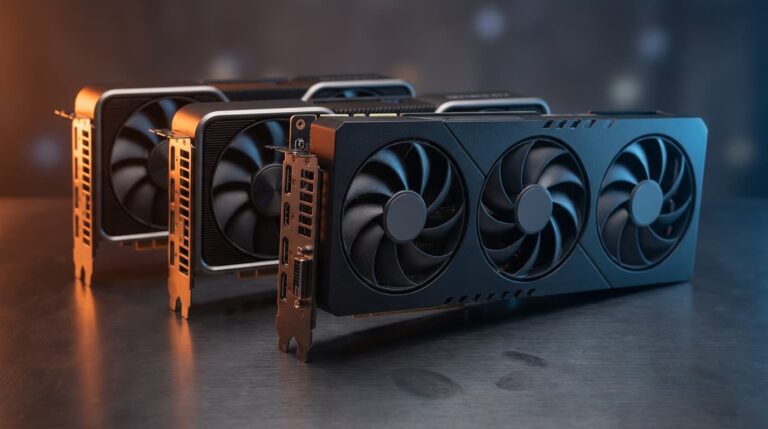
Board partners ship factory-overclocked triple-fan models that might add 10–20W under a sustained load, but you're still looking at a card that stays under 180W even in a worst-case stress test. And that triple-fan cooler doesn't feed a hungrier chip — it exists to keep the same wattage quieter and cooler than a compact dual-fan design. Cooling and power draw are two different things, and it's easy to conflate them.
How does your CPU change the PSU math?
Your CPU is the single biggest variable after the GPU itself. A 65W six-core chip and a 250W-class overclocked flagship create wildly different system totals with the identical graphics card — which is exactly why blanket "just buy 750W" advice is lazy. Here's how a real RX 9060 XT build scales with the processor you pair it with:
| CPU paired with the RX 9060 XT | Typical CPU power | Est. full-system gaming load | Minimum quality PSU | Comfortable choice |
|---|---|---|---|---|
| Ryzen 5 5600X / Ryzen 5 7600 | ~65W | ~280–300W | 500W | 550–600W |
| Ryzen 7 7700X / Core i5-14600K | ~105–125W | ~320–360W | 550W | 650W |
| Core i7 / Ryzen 9 (high boost) | ~170–250W | ~400–480W | 650W | 750W |
The pattern is clear: with an efficient mainstream CPU, you have enormous headroom on a 550–600W unit. Only when you move into high-core-count, high-boost territory does the recommendation genuinely climb. Match the supply to your combination, not to the most demanding build a manufacturer could imagine.
Why do GPU makers recommend 600W–750W?
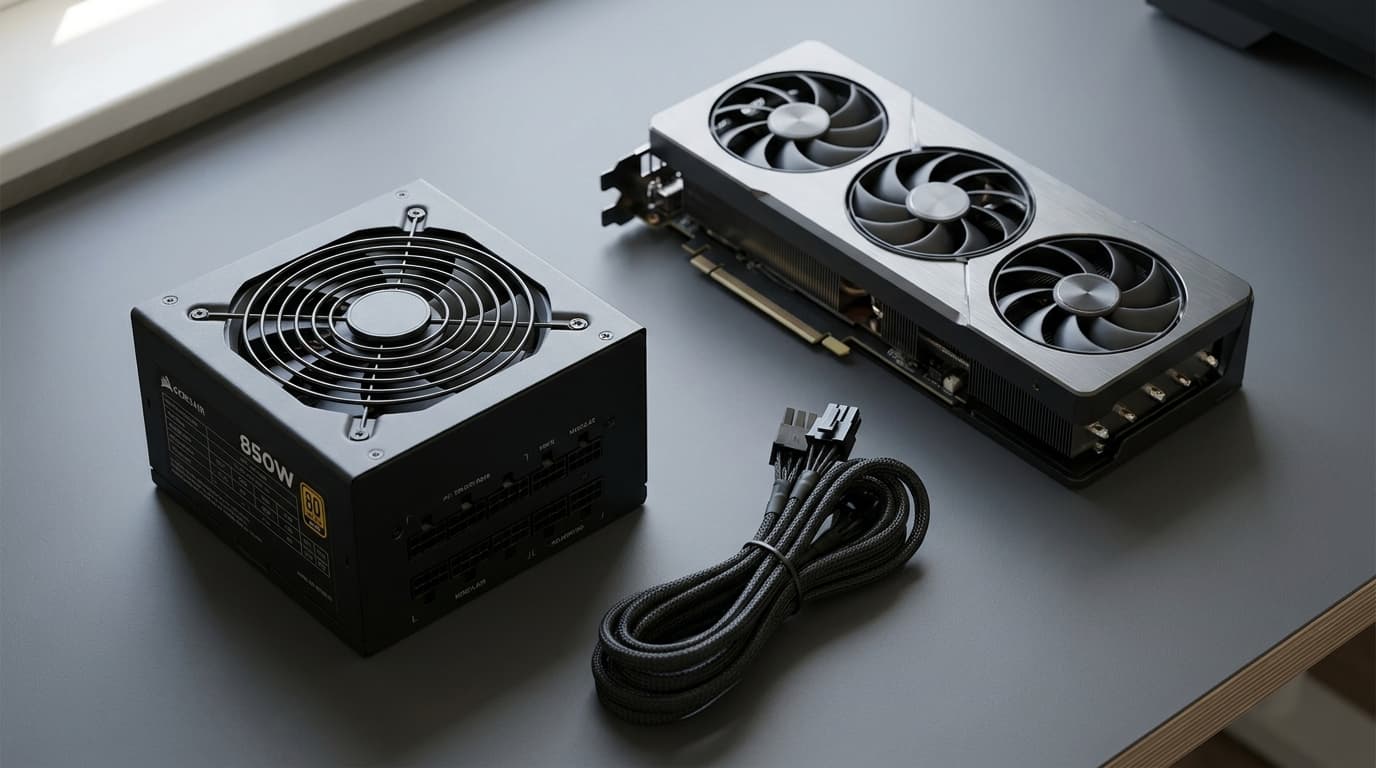
Because a "recommended PSU" is a liability figure, not an engineering one. When a brand prints "600W" or "750W recommended," they're assuming the worst possible pairing: a power-hungry flagship CPU, an aggressive overclock, a case packed with drives and lighting, and — most importantly — a cheap, aging supply that can't actually deliver its rated output.
It's a cushion designed to keep you safe no matter what the rest of your system looks like. AMD's own reference guidance for a card in this class is closer to 500W, which already includes a healthy margin. So when two "official" numbers for the same GPU sit 250W apart, that gap isn't about the card — it's about how conservative each company chose to be.
It's also worth remembering that a bigger PSU won't make your games run faster. If your goal is smoother frame rates rather than just a spec upgrade, the supply isn't where the performance comes from — the balance between your CPU and GPU is. Our guide on how to identify and fix a CPU vs GPU bottleneck walks through spotting which component is actually holding your games back, so you can put your budget where it moves the needle.
What about power connectors and cables?
Wattage isn't the only thing to check. The RX 9060 XT typically needs a single 8-pin PCIe power connector, though some factory-OC triple-fan models call for a bit more depending on the partner design. Before ordering, confirm your PSU has the correct PCIe connector free and that you're using a proper dedicated cable rather than a daisy-chained pigtail.
This is where old prebuilt supplies occasionally trip people up — they sometimes ship with just enough connectors for the original hardware and no spares. A two-minute look inside the case now beats an "everything's here except one cable" moment on install day.
Don't forget the rest of the system
Your GPU and CPU dominate the power budget, but the supporting cast adds up — especially in a machine you've upgraded piece by piece. Every SATA SSD, NVMe drive, case fan, AIO pump, and RGB strip pulls a few watts, and a drive-heavy build can quietly add 40–60W you didn't account for.
If you're running or planning a multi-drive setup, this is the right moment to map it out — a RAID capacity calculator helps you plan usable space and redundancy before you commit, and your final drive count feeds straight back into the power estimate. Memory matters too: RAM sips only a few watts, but dialing in the right speed and timings has a real impact on gaming performance, and a dram timing calculator takes the guesswork out of tuning your kit so the rest of your upgrade budget actually turns into frames.
When should you actually upgrade your PSU?
There are only a few situations where a new supply is genuinely worth it for an RX 9060 XT build:
- Your current unit is old, no-name, or below ~450W — capacity and reliability both become real concerns.
- You're planning to jump to a much stronger GPU within a year — buying once for the bigger card makes sense.
- Your PSU lacks the correct PCIe connector and you'd be leaning on questionable adapters.
- The unit runs hot, noisy, or unstable — age and wear justify a replacement regardless of wattage.
If none of those apply and you already own a solid 550W+ Gold-rated supply, keep it. Spending on a PSU you don't need is money that would buy more real-world performance almost anywhere else.
Quick PSU sizing checklist for the RX 9060 XT
- Minimum sensible capacity: 500–550W (quality unit)
- Comfortable, quiet target: 600W 80+ Gold
- Realistic full-system load: ~280–320W with a mainstream CPU
- Connector needed: 1× 8-pin PCIe (verify the partner model)
- Priority order: quality and rating first, raw wattage second
The bottom line
The RX 9060 XT 16GB is one of the least power-hungry ways to make a meaningful jump in gaming performance, and the vast majority of existing mid-range builds will run it on the PSU they already own. Size your supply on your real components, not the padded box number, and put the savings toward memory, storage, or a higher GPU tier. And if you want to be sure the upgrade actually fixes what's slowing your games down before you order, run your parts through our cpu gpu bottleneck calculator first — it's the fastest way to confirm your next dollar is going exactly where it'll matter most.