What Is a Good Bottleneck Percentage? What the Numbers Actually Mean
You ran a bottleneck calculator, and it handed you a number like "12 percent." Now the real question: is that good, bad, or nothing to worry about? The percentage is one of the most misread stats in PC building, and a lot of people panic over a figure that is perfectly healthy. A quick pass through a pc bottleneck calculator gives you the number in seconds. This guide tells you exactly what it means and when it actually matters.
What is a good bottleneck percentage?
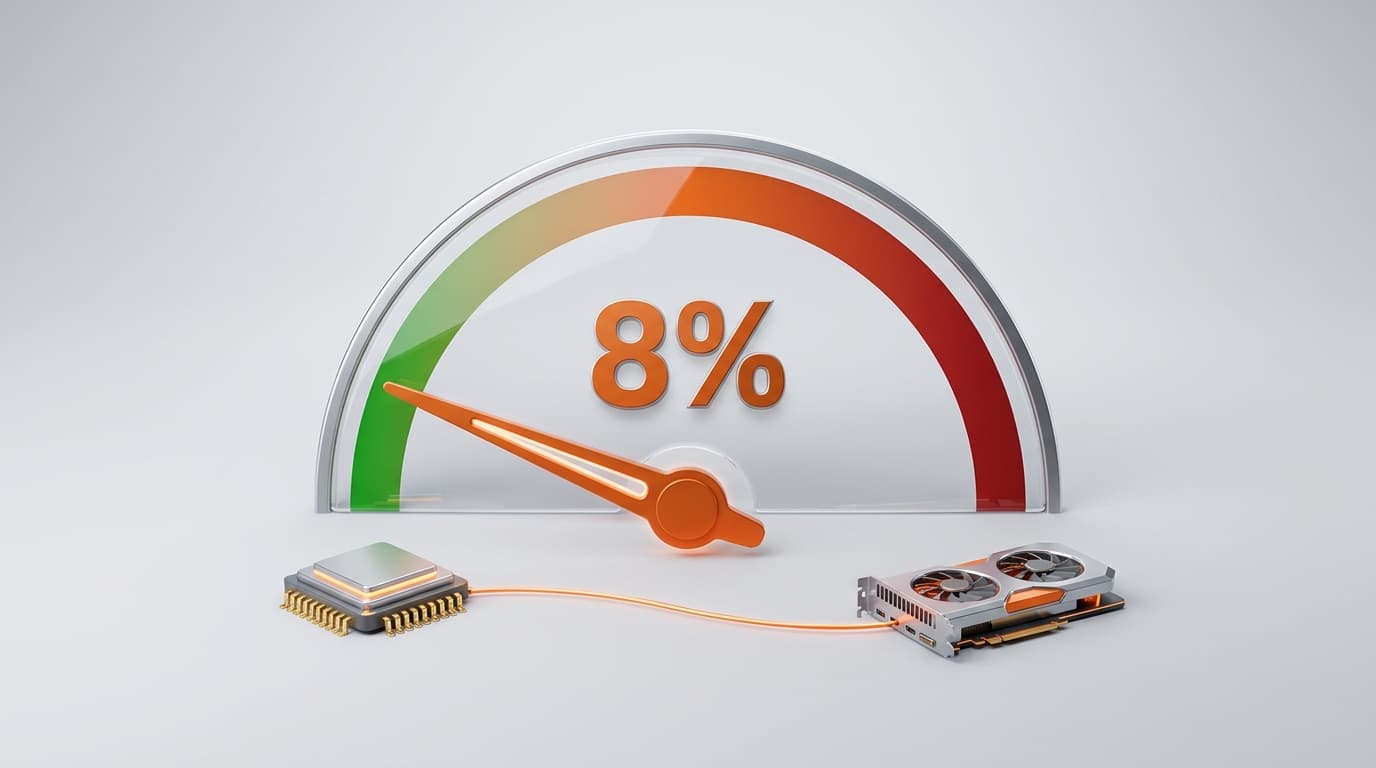
A good bottleneck percentage is generally anything under about 10 percent, and a reading in the low single digits means your CPU and GPU are well matched for that resolution. The key thing to understand is that some bottleneck is always normal, so the goal is not zero. You are aiming for a low, healthy number where neither part is badly starved by the other. Anything in the 0 to 10 percent range is a balanced build you can happily leave alone.
What does the bottleneck percentage actually measure?
It measures the imbalance between your processor and graphics card at a chosen resolution, expressed as roughly how much performance one part loses because the other cannot keep pace. A 10 percent CPU bottleneck means your graphics card is spending about a tenth of its potential waiting on the processor to deliver instructions. A 10 percent GPU bottleneck means the opposite, that your processor is occasionally ahead of the graphics card. It is an estimate of wasted headroom, not a grade of how good or bad your PC is overall. That distinction matters, because a low end build can score a great balance while a flagship build can show a small bottleneck, and both are completely fine.
Bottleneck percentage ranges explained
Here is a simple way to read the number without overthinking it:
| Bottleneck % | What it means | What to do |
|---|---|---|
| 0 to 5% | Excellent balance | Nothing, this is ideal |
| 5 to 10% | Good and normal | Nothing, enjoy it |
| 10 to 15% | Moderate, worth noting | Tweak settings or resolution |
| 15 to 25% | Noticeable imbalance | Rebalance or plan an upgrade |
| 25% and up | Significant | One part is clearly holding the other back |
Treat these as guidance bands rather than hard science. A 12 percent result is not a failing grade, and two different tools can report slightly different figures for the same parts because they weigh benchmarks differently. Use the number as a direction, not a verdict.
Is 0 percent bottleneck the goal?
No, and chasing zero is a waste of money. A perfectly 0 percent build does not really exist, because at any given moment one component is always the limiter in the pipeline. Even elite, carefully matched pairings show a few percent. In fact, a small GPU side bottleneck is exactly what you want for gaming, because it means your graphics card is the part working hardest and your processor has headroom to spare. If you spend extra trying to erase every last percent, you usually just overpay for a component your other parts cannot take advantage of.
Why does the same PC show different bottleneck percentages at 1080p, 1440p, and 4K?
Because the score reflects how hard each part is working, and that shifts with resolution, so the same CPU and GPU can read very differently depending on where you play. In practice the number tends to move like this:
| Resolution | Typical percentage reading |
|---|---|
| 1080p | Higher CPU bottleneck is common |
| 1440p | Lowest and most balanced |
| 4K | CPU bottleneck near zero, GPU is the limiter |
The takeaway for reading your result is simple: always check the percentage at the resolution you actually game on, because a high 1080p figure can be a calm low single digit at 1440p with identical hardware. To see how that balance plays out across real titles, our What Games Can My PC Run tool ranks games with the frame rates to expect.
CPU bottleneck vs GPU bottleneck percentage: which is better?
A GPU side bottleneck is the healthier one to have. If the tool tells you the graphics card is the limiter, that means it is fully used while your processor still has room, which is normal and desirable in gaming. A CPU side bottleneck is the one to keep an eye on, because it means your processor is capping frames the GPU could otherwise deliver, and it tends to show up in busy scenes, large open worlds, and very high refresh play. So a 10 percent GPU bottleneck is more reassuring than a 10 percent CPU bottleneck, even though the number looks the same. For the full rundown on telling them apart and fixing each, see our guide on how to fix a CPU or GPU bottleneck.
When should I actually act on the number?
Act only when the percentage is high and it matches how the PC actually feels. A 20 percent or higher CPU bottleneck combined with real stutter in the games you play is worth fixing. A 12 percent reading on a build that already runs smoothly at your target frame rate is not an emergency and probably needs nothing. The number is a guide, not an alarm. Here is the order I would follow:
- Match the reading to your real experience. If the games you play feel smooth at the frame rate you want, the build is fine no matter what the figure says.
- Try the free fixes first. Changing resolution, lowering a couple of processor heavy settings, and closing background apps often rebalances things at no cost.
- Only upgrade when a high number and a genuine slowdown agree. That is when spending money actually buys you smoother frames.
And if part of that upgrade is a new graphics card, size your power supply properly before you buy, using our guide on the wattage your GPU actually needs so you do not overspend or come up short.
Does the bottleneck percentage tell me my frame rate?
No, the bottleneck percentage and your frame rate are two completely different things. The percentage tells you how balanced your parts are relative to each other. It does not tell you how many frames you will get in a specific game. A perfectly balanced build can still be slow if both parts are entry level, and a slightly bottlenecked build can still be very fast if the components are strong. So do not read a low bottleneck as a promise of high FPS. To estimate the actual frame numbers for a title, use a pc game fps calculator instead, and use the bottleneck figure only to judge balance.
The bottom line
A good bottleneck percentage is a low one, under about 10 percent, read at the resolution you actually game on, and a small GPU side bottleneck is a healthy sign rather than a problem. Treat the number as a balance check, not a grade, and remember that two tools can disagree by a few points. Match the figure against how your PC really feels, try the free fixes first, and only open your wallet when a high reading and a real world slowdown point the same way. One last aside: the bottleneck score covers CPU and GPU balance only, not storage, so if you run a multi drive setup our raid speed calculator helps you plan that part of the build separately.