Best 1080p Gaming PC Build for $1,000–$1,300 (Gaming, VR & Digital Art)
If you're upgrading from an old machine, almost any modern mid-range PC will feel like a huge leap. And here's the good news: a target of 1080p at a steady 60fps is one of the most affordable, forgiving goals in PC building. You don't need 4K or a $1,500 graphics card, you need a balanced build where the CPU and GPU are matched so neither waits on the other. Before you commit to any parts list, run your pairing through our pc bottleneck calculator to confirm it's balanced for 1080p, the build below already is.
How Much Does a Good 1080p Gaming PC Cost?
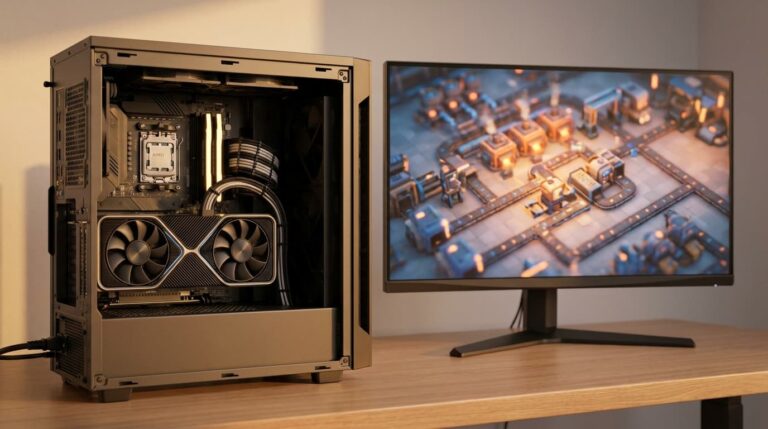
A solid 1080p/60fps gaming PC costs around $1,000–$1,300 in 2026. That budget buys a balanced build: a 6-core CPU like the Ryzen 5 7600X, a 16GB graphics card such as the RTX 5060 Ti, 32GB of DDR5 memory, and a fast NVMe SSD, enough to run modern mid-tier games, VR, and digital art apps smoothly.
You Don't Need a Monster PC for Smooth 1080p Gaming
At 1080p/60fps, the graphics card does most of the work, but only if the processor can feed it fast enough. A strong GPU held back by a weak CPU is wasted money, a classic bottleneck. The whole point of this guide is a build that stays even across every part, so you can "just run things" without wondering whether your PC can handle the next release.
Who Is This Build For?
This build is for you if you want to play modern-but-not-bleeding-edge games at 1080p/60fps, try VR like VRChat, and do digital drawing in apps like Clip Studio Paint. It comfortably handles titles such as Baldur's Gate 3, the Final Fantasy 7 Remake trilogy, Persona remakes, Overwatch, Guild Wars 2, Palworld, and Monster Hunter World. It won't max out the most demanding 2027 blockbusters, but it has plenty of headroom for today's mid-tier and lighter games.
The Recommended Build (~$1,175)
| Component | Part | Approx. price |
|---|---|---|
| CPU | AMD Ryzen 5 7600X (6-core / 12-thread, AM5) | $200 |
| CPU cooler | Thermalright Peerless Assassin 120 SE (quiet) | $35 |
| Motherboard | MSI B650 Gaming Plus WiFi (AM5) | $150 |
| RAM | G.Skill Flare X5 32GB (2×16GB) DDR5-6000 CL30 | $95 |
| GPU | GeForce RTX 5060 Ti 16GB | $430 |
| Storage | WD_Black SN770 1TB Gen4 NVMe SSD | $85 |
| Power supply | be quiet! Pure Power 12 M 750W (80+ Gold) | $100 |
| Case | be quiet! Pure Base 500 (quiet mid-tower) | $80 |
| Total | ≈ $1,175 | |
Prices move week to week, treat these as a guide and check the live Amazon price before buying.
Why This Build Won't Bottleneck
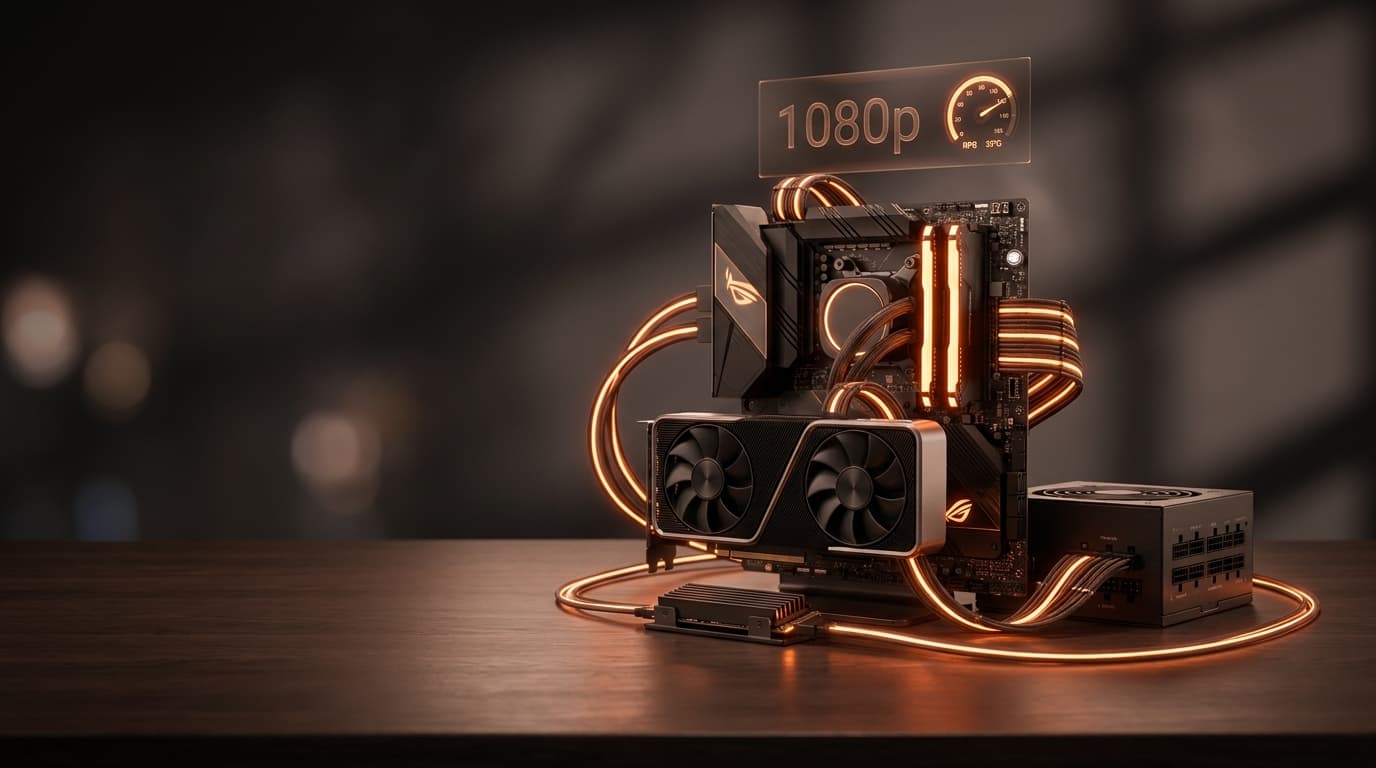
Every part here is chosen to keep pace with the others. The Ryzen 5 7600X is the sweet-spot 1080p gaming CPU and drives VRChat well, and its AM5 socket means a future chip upgrade without a new motherboard. The RTX 5060 Ti 16GB is the star, its 16GB of VRAM gives room for VR and heavier titles like Monster Hunter Wilds (with upscaling). 32GB of RAM is the small luxury that prevents the most common slowdown for VR and busy art projects. If you want to understand exactly why matched parts matter, our guide on how to pair a CPU and GPU breaks it down. You can also browse alternatives in our Best CPUs and Best GPUs picks.
Can You Build This PC for Less?
Yes. Swap the RTX 5060 Ti 16GB for a standard RTX 5060 8GB (~$300) and the total drops to about $1,045. You'll still hit 1080p/60fps in almost everything, you're just trading a little future VRAM headroom for savings. Want to step up instead? An RX 7800 XT 16GB (~$480) adds extra muscle for higher settings and easy 1440p later. Everything else in the build stays the same.
Will It Run VR and Digital Drawing Apps?
Yes, comfortably. VRChat is unusually hard on your CPU and memory because of all the user-made avatars and worlds, which is exactly why this build pairs the Ryzen 5 7600X with 32GB of RAM and a 16GB GPU. If you're unsure how much memory you actually need for your workload, our Ram Size Calculator gives a quick, tailored answer. Digital art apps like Clip Studio Paint are far lighter than games, so this PC runs them effortlessly, and the fast NVMe SSD keeps large canvases and brushes loading instantly.
How Big a Power Supply Do You Need?
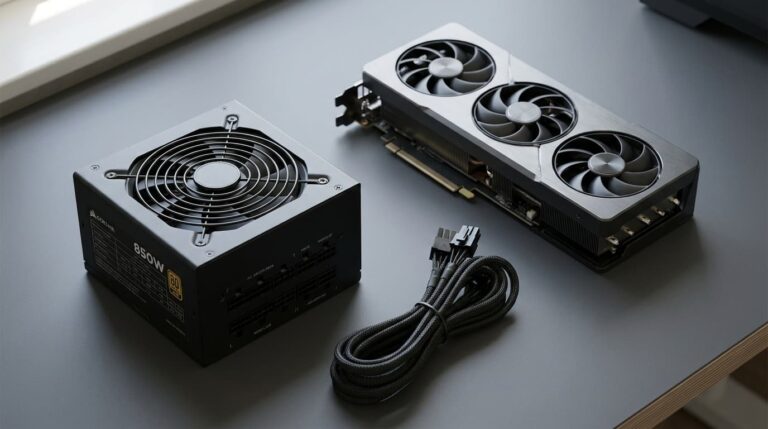
A quality 650–750W 80+ Gold unit is the safe, quiet choice for this build and leaves headroom for a future GPU upgrade. Don't guess on wattage, plug your exact parts into our pc power supply calculator to get the right size, then pick a reputable brand so the rest of your components stay protected.
Is Building a PC Yourself Still Worth It?
For a first-timer, yes. Building usually saves money versus an equivalent prebuilt, modern parts basically click together, and there's a clear online guide for every step. You also get exactly the components you chose rather than whatever a system integrator had in stock. If you'd still rather buy a prebuilt, just make sure it isn't pairing a good GPU with a weak CPU, check its spec before you buy.
The Bottom Line
For around $1,000–$1,300 you can build a quiet, balanced PC that handles 1080p/60fps gaming, VRChat, and digital drawing with room to spare, a massive upgrade over an older machine and enough staying power for years of mid-tier releases. Double-check that your final parts are balanced, then build with confidence.
Affiliate Disclosure: As an Amazon Associate we earn from qualifying purchases. We may receive a small commission when you buy through the links on this page, at no additional cost to you. This helps support our free tools and guides.