AMD Radeon RX 7000 vs RX 9000 Series: Which Should You Actually Buy?
If you've been shopping for an AMD graphics card lately, you've probably hit the same confusing wall a lot of buyers do: the older RX 7900 XTX still costs close to a grand, while a newer RX 9070 sits happily in the $550–650 range. Newer and cheaper? That feels backwards. It isn't, it just means the two generations were built with completely different goals, and once you understand that, the whole line-up suddenly makes sense. Before you commit to either, it's worth estimating the frame rates each card gives you in your games with our fps calculator, because the "right" card depends far more on your resolution and titles than on which number is bigger.
RDNA 3 vs RDNA 4: What Actually Changed
The RX 7000 cards are built on RDNA 3, and the RX 9000 cards on RDNA 4. On paper the headline specs can look similar, but the newer architecture quietly fixes the two things RDNA 3 was weakest at: ray tracing and upscaling.
RDNA 4 roughly doubles ray-tracing throughput per compute unit, so the RX 9000 cards punch far above their raster tier the moment you switch RT on. It also introduces FSR 4, AMD's first properly machine-learning-based upscaler, which closes most of the image-quality gap to NVIDIA's DLSS, and FSR 4 is effectively an RX 9000 feature. Add a move to a denser 4nm process and you get better performance-per-watt, so the new cards run cooler and quieter for the same frame rate.
| Feature | RX 7000 (RDNA 3) | RX 9000 (RDNA 4) |
|---|---|---|
| Launch window | 2022–2023 | 2025 |
| Ray tracing | 1st-gen RDNA RT (weak point) | ~2× RT throughput per CU |
| Upscaling | FSR 2 / FSR 3 | FSR 4 (ML-based, much cleaner) |
| Efficiency | Good | Noticeably better (denser node) |
| Top-end raster | Highest (7900 XTX) | Mid-to-high (no flagship) |
| Max VRAM | 24GB (7900 XTX) | 16GB (9070 XT) |
The one thing RDNA 4 doesn't do is replace the flagship. AMD deliberately aimed the RX 9000 series at the high-volume mid-range, so there's no RX 9080 or 9090. That single decision explains almost everything about the pricing you're seeing.
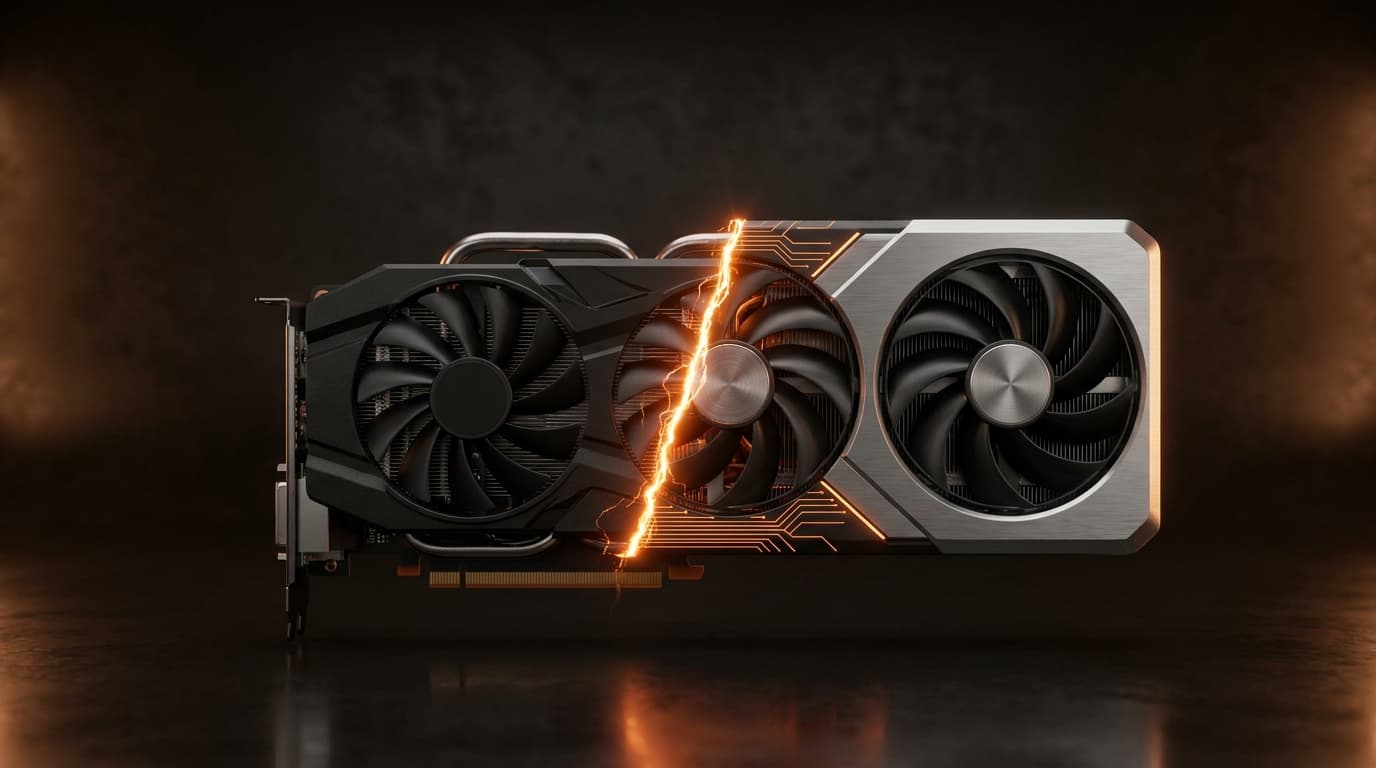
Why Is the Older RX 7900 XTX Still Pricier Than a New RX 9070?
Because they were never meant to be the same class of card. The RX 7900 XTX is a halo product: a huge chip, a 384-bit memory bus, and a full 24GB of VRAM, built to chase 4K raster performance at the very top of the stack. Halo cards hold their price because nothing in the newer, cheaper line-up is trying to replace them.
The RX 9070, by contrast, is a newer mid-range card with 16GB on a 256-bit bus. It launches cheaper because that's the segment it was designed for, but thanks to RDNA 4 it trades blows with the 7900 XT in traditional games, comfortably beats every RDNA 3 card in ray tracing, and does it all while drawing less power and supporting FSR 4. So you get the genuinely odd-looking situation where the newer, cheaper card is the smarter buy for most people, and the older, pricier one only wins in two narrow cases: you specifically need 24GB of VRAM, or you want the absolute highest raw raster numbers at 4K and don't care about ray tracing.
| Card | Series | VRAM | Bus | Launch tier | Rough MSRP |
|---|---|---|---|---|---|
| RX 7900 XTX | RX 7000 | 24GB GDDR6 | 384-bit | Flagship (4K raster) | ~$999 |
| RX 7900 XT | RX 7000 | 20GB GDDR6 | 320-bit | High-end | ~$749–899 |
| RX 7800 XT | RX 7000 | 16GB GDDR6 | 256-bit | 1440p value | ~$499 |
| RX 7600 | RX 7000 | 8GB GDDR6 | 128-bit | Entry 1080p | ~$269 |
| RX 9070 XT | RX 9000 | 16GB GDDR6 | 256-bit | Upper mid-range | ~$599 |
| RX 9070 | RX 9000 | 16GB GDDR6 | 256-bit | Mid-range | ~$549 |
| RX 9060 XT | RX 9000 | 16GB / 8GB | 128-bit | Value 1080p–1440p | ~$349 |
Prices move around a lot, so treat these as launch reference points rather than today's shelf price.
What Happened to the Reference (Made-by-AMD) Cards?
This one trips up a lot of long-time AMD buyers. With the RX 7000 series, AMD sold its own reference "Made By AMD" designs, those clean, blower-and-vapour-chamber cards that many people (fairly) felt looked and built more premium than some partner models. With the RX 9000 series, AMD stepped back and launched the range as partner-only (ASUS, Sapphire, PowerColor, XFX and so on), with no first-party reference model.
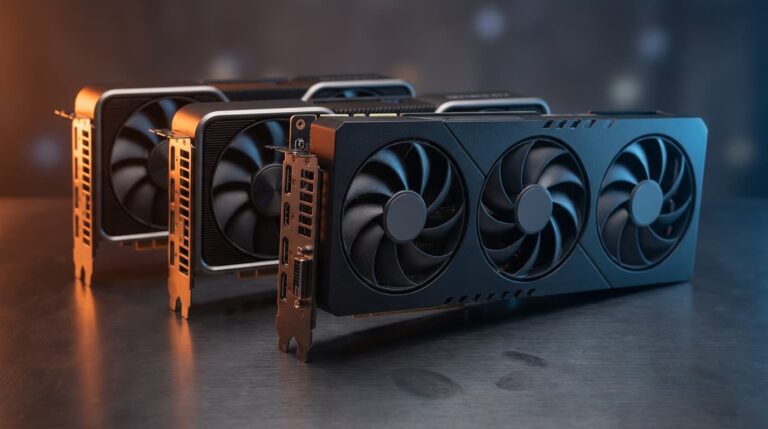
Practically, that means two things. You lose the uniform reference look and the blower option, but you gain choice: partner cards typically ship with beefier triple-fan coolers, higher factory clocks, and quieter acoustics. If build quality was your reason for liking reference cards, the good news is the better partner RX 9000 models are excellent, you're just picking a brand instead of buying from AMD directly.
Which AMD Graphics Card Has 24GB of VRAM?
Short answer: the Radeon RX 7900 XTX. It's the only current Radeon gaming card with a 24GB frame buffer (the RX 7900 XT sits just below at 20GB). Nothing in the RX 9000 line reaches that capacity, the top RX 9070 XT tops out at 16GB. If it feels odd that an older card carries more memory than the newer ones, you're not imagining it: VRAM amounts jump around between generations for reasons that have little to do with age, and we broke down exactly why some older cards shipped with more VRAM than newer ones. For pure gaming, though, 16GB is plenty at 1080p and 1440p, and comfortable even at 4K in most titles, 24GB only earns its keep for heavy creator or local-AI workloads.
Which One Is Right for Your Kind of Gaming?
Here's where a lot of buyers over-spend. If you play visually lighter genres, racing sims, fighting games, shmups, most esports titles, you are nowhere near needing a flagship. These games lean on high, stable frame rates rather than brute-force rendering, and even a mid-range RX 9000 card will bury them at 1080p or 1440p with frames to spare. Spending 7900-XTX money just to play sims or 2D shooters is money that would do far more good elsewhere in the system. If value is your priority, our guide to the best budget gaming GPUs rounds up cheaper cards that still handle these genres with ease, and if you're starting from nothing, our $1,000–$1,300 1080p gaming PC build shows how to balance the whole system instead of pouring everything into the graphics card.
| Your use case | Sensible pick | Why |
|---|---|---|
| Light games (racing sims, fighters, shmups), 1080p | RX 9060 XT 16GB / RX 7700 XT | Massive headroom; cool and quiet |
| All-round 1440p gaming | RX 9070 | Best modern value; strong RT + FSR 4 |
| High-refresh 1440p / entry 4K | RX 9070 XT | More muscle, still efficient |
| 4K raster or 24GB VRAM needs | RX 7900 XTX | Highest capacity and top raster |
A quick note on the naming confusion, because it derails a lot of searches: "Ryzen 7000/9000" are CPUs; "Radeon RX 7000/9000" are GPUs. They're separate product lines that happen to share numbers. Everything above is about the graphics cards.
The Verdict
For most gamers in 2026, the RX 9000 series is the easier recommendation: cheaper where it counts, far better at ray tracing, FSR 4 support, and more efficient, with the RX 9070 sitting right in the value sweet spot. The RX 7000 series still matters in two situations only: you need the 24GB of the 7900 XTX, or you want maximum raster at 4K and can find one at a genuine discount. And whichever way you lean, the single biggest mistake is buying more GPU than your CPU can feed, a strong card behind a weaker processor just sits idle. Before you check out, drop your chosen CPU and GPU into our bottleneck calculator pc to confirm the pairing is balanced, so every dollar you spend actually turns into frames you'll see.