Is a 7800X3D and RTX 3080 a Balanced Combo for 1440p?
If your first build is a Ryzen 7 7800X3D, a single 16GB stick of DDR5 and a used RTX 3080 for 1440p, you have picked a pairing that a lot of experienced builders would quietly approve of. The only real question mark is the processor: is a chip famous for high refresh gaming wasted on a last generation card? Before you second guess the order, drop the two parts into a bottleneck pc calculator and you will see the balance for yourself. The short version is that this combo is healthier than it looks, and for the games you actually play it might be close to ideal.
Is a 7800X3D and RTX 3080 a Balanced Combo?
Yes. At 1440p a Ryzen 7 7800X3D and an RTX 3080 are well matched, with the graphics card doing most of the work and the processor left with headroom to spare. That lean toward the GPU is exactly what you want, because it means the 3080 is the part setting your frame rate rather than a processor struggling to keep up. A used 3080 still sits in strong 1440p territory, and the 7800X3D can comfortably feed cards far quicker than that, so nothing in this build is being starved. If you would rather see the split at your exact settings, our cpu gpu compatibility checker rates the pairing across resolutions, and if you want real numbers, the how many fps estimator predicts frame rates for the games you own.
Is the 7800X3D Overkill for an RTX 3080?
Not for the games you are describing. The 7800X3D only looks like overkill if you assume every title leans on the graphics card, but automation and simulation games lean hard on the processor instead, and that is precisely where this chip earns its price. Even in ordinary AAA games at 1440p it is never wasted, because it takes the CPU off your list of worries and keeps your whole upgrade path open on the AM5 socket. Drop in a much faster graphics card two years from now and the 7800X3D will still feed it happily. Here is how it sits against the cheaper chips people usually cross shop for a 3080 build:
| Processor | Cores / Threads | Sim game strength | Notes for a 3080 build |
|---|---|---|---|
| Ryzen 5 7500F | 6 / 12 | Good | Cheapest AM5 entry, fine for lighter games |
| Ryzen 5 7600 | 6 / 12 | Good | Best all round value, comfortable at 1440p |
| Ryzen 7 5700X3D | 8 / 16 | Very good | Cache on a budget, but AM4 dead end |
| Ryzen 7 7800X3D | 8 / 16 | Outstanding | Best for heavy sims and long term AM5 headroom |
If you are weighing those cheaper chips more broadly, our good cpu for gaming list shows where each one lands, but for a build meant to last, spending on the processor once is rarely the part you regret.
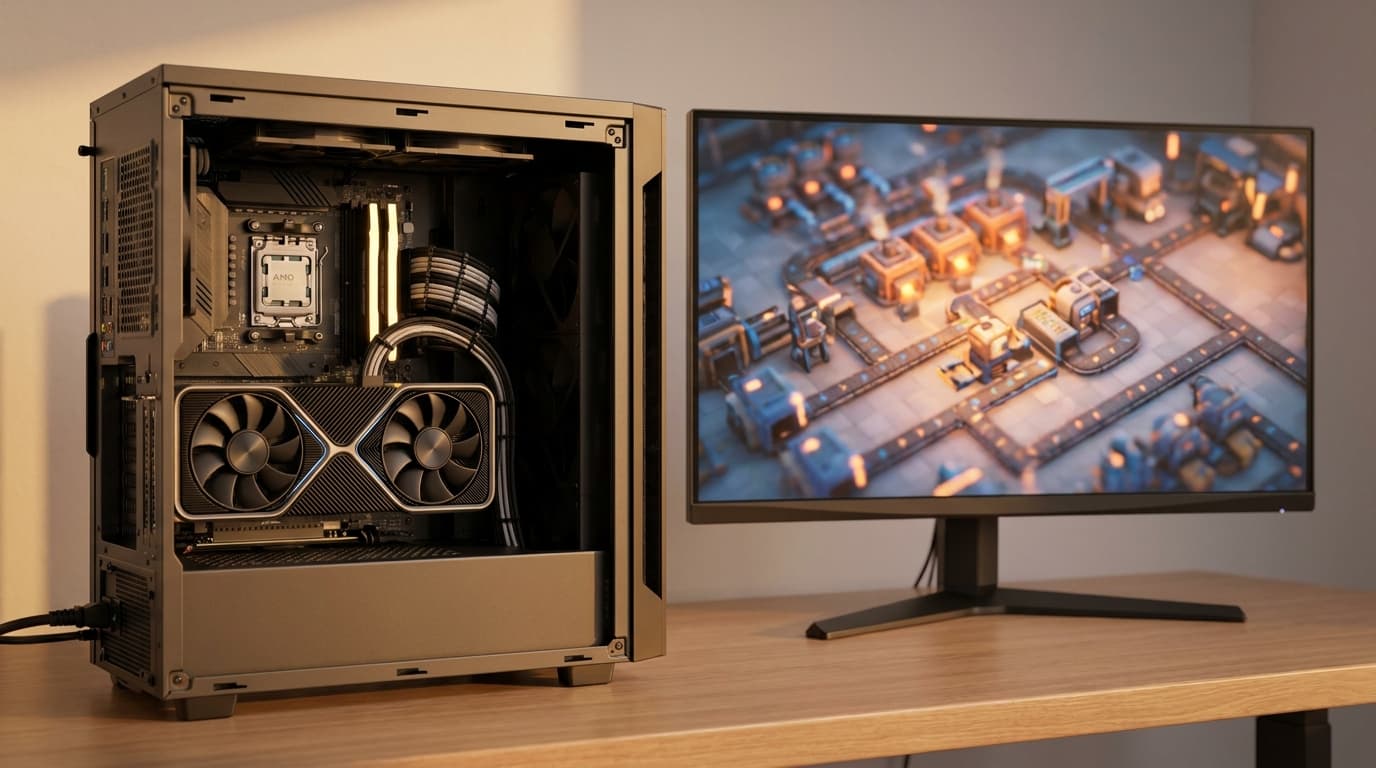
Do Factorio and Satisfactory Actually Need an X3D CPU?
This is where your build makes the most sense. Games like Factorio, Satisfactory and Cities Skylines 2 are not judged only in frames per second, they are judged on how fast the simulation itself updates, often measured as UPS or tick rate. As your factory or city grows into thousands of moving parts, the processor has to recalculate the entire world many times every second, and that work lives or dies on memory speed. The stacked cache on the 7800X3D keeps a huge slice of that simulation data sitting right beside the cores, so late game megabases that would crawl on an ordinary chip keep ticking over smoothly.
| Game | What it stresses most | Why the X3D helps |
|---|---|---|
| Factorio | Update rate (UPS) of huge factories | Cache holds belt and logic data near the cores, so late game UPS stays high |
| Satisfactory | Factory tick plus world streaming | Fewer trips to system memory keep sprawling builds responsive |
| Cities Skylines 2 | Per agent traffic and economy simulation | Big cache eases the constant memory lookups a growing city creates |
| Stellaris and grand strategy | Late game turn and tick calculations | Faster data access shortens the end game slowdowns these games are known for |
In these genres the X3D is not a luxury, it is arguably the most useful single upgrade you can buy, and it keeps paying off long after the 3080 has stopped being the limiting part. Not sure a specific title will run well on your parts? Our Can My PC Run tool ranks games for your exact setup so you know what to expect before you download anything.
How Well Does a 7800X3D and RTX 3080 Run at 1440p?
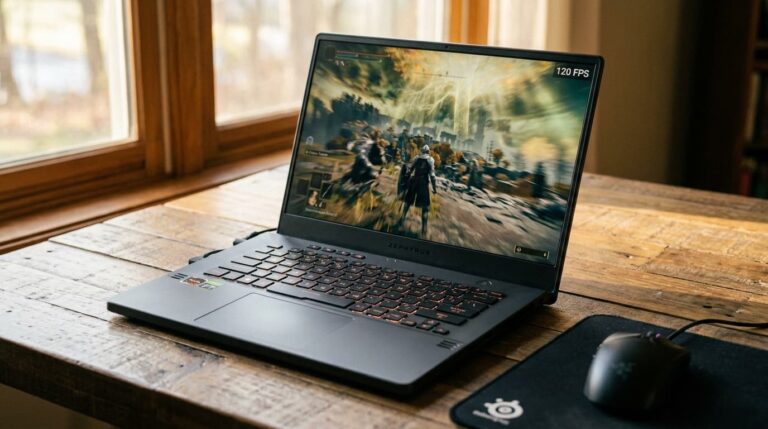
Very well. In most modern games this pairing lands in comfortable high refresh 1440p territory, and in your automation titles the frame rate is rarely the story at all. The table below gives realistic average estimates at 1440p on a used RTX 3080, with the 7800X3D making sure the card is never left waiting.
| Game (1440p) | Settings | Estimated average FPS | How it feels |
|---|---|---|---|
| Baldur's Gate 3 | Ultra | 90 to 120 | Very smooth, CPU keeps party scenes stable |
| Cyberpunk 2077 | High + DLSS Quality | 70 to 95 | Smooth, upscaling gives ray tracing headroom |
| Red Dead Redemption 2 | High | 70 to 85 | Consistent, no CPU drama |
| Fortnite / competitive | High | 140 plus | Easy high refresh for a fast monitor |
| Factorio / Satisfactory (late game) | Max | GPU easy, limited by UPS | Where the 7800X3D quietly pulls ahead |
Treat these as guidance rather than exact numbers, since drivers, settings and the specific scene all move the figure.
What Else Does the Build Need for RAM and Power?
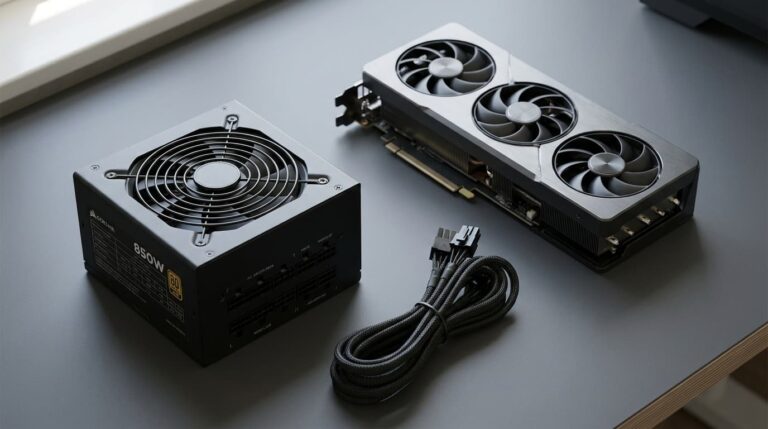
Two small things finish this build off. First, that single 16GB stick is worth turning into a matched pair as soon as you can, because running two sticks in dual channel gives noticeably better gaming performance than one stick alone, and simulation games in particular reward the extra memory bandwidth. Second, the RTX 3080 is genuinely power hungry for its age, pulling around 320W on its own, so a whole system peaks near 450W to 500W under load. A quality 750W unit gives you clean, quiet headroom and room for a future card. If you want to size it against your exact parts rather than a padded box figure, run them through our power supply unit calculator before you buy.
What If You Outgrow the RTX 3080?
Here is the reassuring part of choosing the 7800X3D first. The processor is the piece you almost never need to touch again, so when the day comes that the 3080 feels slow, you simply drop a newer card into the same AM5 board and carry on. You can browse where the current cards land in our gpu performance list when that time arrives. And if you ever want to play something heavier than your 3080 can handle without spending a cent on hardware, cloud gaming has quietly become a real option, as we covered in our look at how GeForce NOW went back to school with a native Linux app and faster frames. It is a handy stopgap that takes the pressure off the upgrade timer.
Recommended Parts to Pair or Upgrade To
If you are still finalising the build or planning your next step, these are the processors and graphics cards that make the most sense around a 7800X3D and RTX 3080 at 1440p. The X3D chips suit the simulation games this build is built for, and the cards sit right around the 3080's class so you can match or step up cleanly.
| Part | Why it fits this build | Price |
|---|---|---|
| AMD Ryzen 7 7800X3D | The pick here, best cache for sim games and 1440p | Check Price on Amazon |
| AMD Ryzen 7 9800X3D | Newer X3D if you want the latest AM5 chip | Check Price on Amazon |
| AMD Ryzen 7 5700X3D | Cheaper cache option for a tighter budget | Check Price on Amazon |
| AMD Ryzen 5 7600 | Solid AM5 alternative if you skip the X3D | Check Price on Amazon |
| PNY RTX 3080 10GB | The card this whole build is based around | Check Price on Amazon |
| PowerColor RX 6800 XT 16GB | 1440p rival with more VRAM to spare | Check Price on Amazon |
| MSI RTX 3070 8GB | A cheaper step down if the 3080 is out of reach | Check Price on Amazon |
| Yeston RX 7800 XT 16GB | Natural 1440p upgrade when the 3080 ages | Check Price on Amazon |
The Verdict: Is a 7800X3D and RTX 3080 Worth It?
For a first build aimed at 1440p, yes, and comfortably so. The RTX 3080 handles the visuals with room to breathe, and the 7800X3D is the part that turns a good gaming PC into one that stays fast for years. Far from being overkill, it is the ideal partner for the automation and simulation games you love, where its cache lifts the one thing frame charts never show you, the simulation speed itself. Add a second stick of memory, feed it with a quality supply, and you have a balanced machine that will not need a processor upgrade for a very long time. Build it with confidence.
Affiliate Disclaimer: As an Amazon Associate we earn from qualifying purchases. Some links on this page are affiliate links, and we may receive a small commission when you buy through them, at no additional cost to you. Product images and names remain the property of their respective manufacturers and are shown for identification and reference only.